

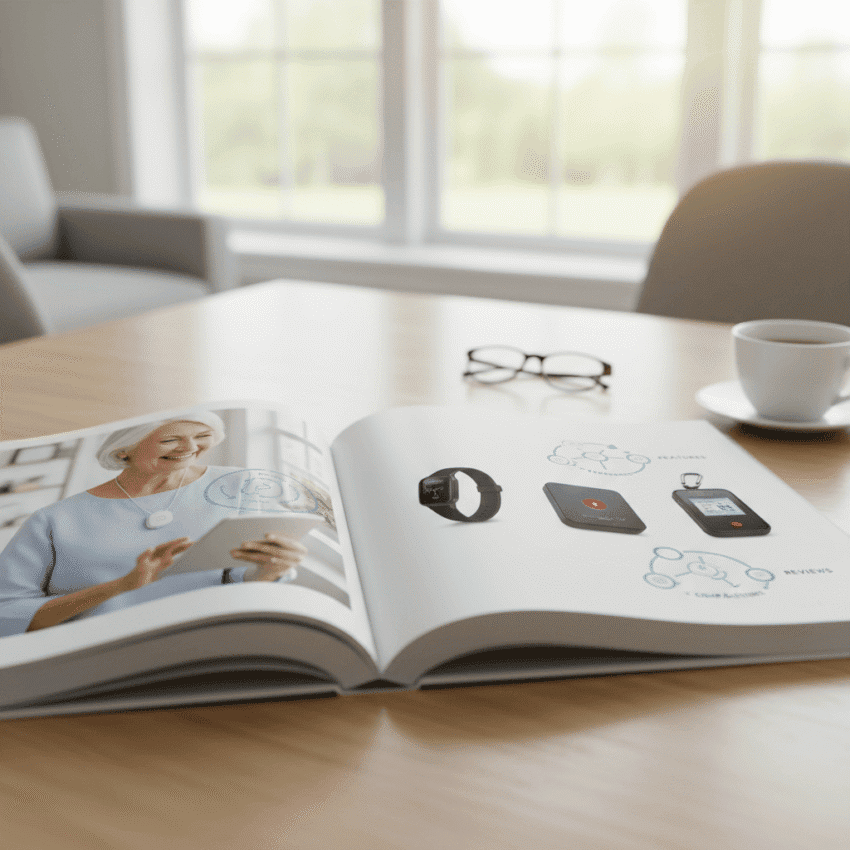
Choosing the right medical alert system can feel like an important decision with real day to day impact. Seniors, caregivers, and family members want a solution that responds quickly, fits daily routines, and keeps costs reasonable. This guide breaks the topic into clear steps so you can compare features, understand trade offs, and pick a system that matches lifestyle and health needs.
Below you will find straightforward explanations of device types, key features to prioritize, examples of real use cases, and practical tips for testing and living with an alarm system. Read with your family and note questions to ask vendors so the purchase process goes smoothly.
Your Guide to Top Medical Alert Systems for different needs
Medical alert systems fall into a few broad categories that match common daily settings. Choosing the right category is the first step. For someone who spends most time at home a base station plus wearable will work well. For an active person who leaves the house frequently a cellular or GPS enabled device will be a better fit.
Think about typical day plans and any medical risks. For example an individual with a fall history should have a device with fall detection. A person with memory challenges might benefit from a system that includes medication reminders or scheduled check in calls.
Key features to compare before you buy
Not all features carry equal weight. Here are the aspects that tend to have the most real life impact.
- Monitoring method level of human monitoring matters when a call button is pressed
- Connection type landline, cellular, or Wi Fi will affect range and mobility
- Battery life for wearables you want long battery life and easy recharge
- Fall detection automatic fall sensing can alert responders even if the user cannot press a button
- Water resistance devices that survive showers and brief submersion avoid many false negatives
- Wearable comfort pendant versus wrist option influences whether a person keeps it on
- Response time how quickly a monitoring center connects with the wearer and emergency services
How to rate response quality
Ask potential providers about average hold times and the process used when a call is placed. Some centers try to reach the user first before contacting family. Others alert emergency services immediately. Choose the approach that best fits the person you care for.
Testing feature reliability
Insist on a trial period and perform daily checks during that time. Test button presses, fall detection triggers, battery alerts, and cellular signal in both home and common locations outside the home.
Types of medical alert systems and when to choose each
There are three common types of systems. Each has trade offs in cost, mobility, and complexity.
- In home base station plus wearable best when the person spends most of the time at home. The base station connects to a monitoring center and the pendant or wrist device sends the alarm to the base
- Cellular mobile systems a good fit for those who are frequently out and about. They use a cellular network to contact the monitoring center and often include GPS location data
- Smartphone apps and hybrid devices these can be economical and work well if the user consistently carries a smartphone and is comfortable with apps
To see a comparison of specific devices and features check this resource on medical alert tools for seniors for side by side evaluations and feature lists that help match devices to needs
Choosing the right plan and monitoring options
Plans vary by monitoring level, contract length, and additional services. Monthly fees are typical and may cover 24 hour human monitoring. Some companies offer self monitoring where alerts go to family members via app notifications instead of a professional center.
Contract and trial terms to check
Look for trial periods with full refund options and transparent cancellation policies. Ask about fees for installation, shipping, or early termination. A short trial reduces risk and lets you test real world reliability.
Escalation and contact lists
Confirm how the system escalates during an incident. Can family members be added to the contact list? Is there a medical information profile that the monitoring center can access to speed care?
Installation and daily use tips
Proper setup increases the chance the device will work when needed. Follow manufacturer placement guidelines for base stations and check cellular signal strength at the location where the person spends most time.
- Place the base unit in a central high location free from blockage
- Teach all household members how to test and reset the device
- Label charging stations with a visible schedule to avoid missed charges
- Set a weekly routine to test the system at a planned time
Encourage wearing the device by choosing a style the person likes. Comfort directly affects whether the device stays on. If a pendant is heavy try a lightweight model or an adjustable cord so it sits comfortably against clothing.
Common costs and payment options explained
Expect three cost categories up front. The device purchase or rental fee, monthly monitoring or subscription fee, and potential setup or activation fees. Some providers bundle device cost into monthly payments which can make budgeting easier but may lock you into a longer contract.
Many long term care insurance policies have clauses that cover parts of the cost. Also some local aging services organizations offer discounts or loaner programs. Ask providers about senior discounts and whether there are seasonal promotions.
Troubleshooting common problems and answers to frequent questions
Some issues crop up more often than others. Here are practical fixes that cover most situations.
- False alarms review fall detection sensitivity settings and reposition pendants away from high motion areas like kitchen counters
- Poor cellular coverage move the base unit near a window or use a booster if compatible
- Battery drains check for background features such as continuous GPS tracking and disable when not needed
- Wearable rejected by user try a different form factor or use a magnet clip style until the person is comfortable
When a provider’s tech support cannot resolve an issue ask for escalation to a supervisor and for a replacement device during the warranty period. Keep a record of support calls and serial numbers to make claims easier.
Case examples and practical scenarios
Reading a few short examples can help you imagine how a system fits into daily life.
- A retired teacher who lives alone uses an in home system with automatic fall detection. Neighbors are on the contact list and the monitoring center calls them only if the user does not respond
- A couple who take daily walks chose a cellular GPS pendant. The device returned accurate location to emergency responders when an unexpected health event occurred at a park
- A person with mild memory loss uses a smartphone app linked to a family member. The family member receives notifications and can check in through a built in call feature
In each scenario the chosen system solved a real problem without adding complicated steps to daily life. That practical fit increases the chance the device will be used consistently.
The final choice comes down to daily behavior, medical risk, and budget. Comparing features and testing devices in the locations where they will be used reveals most hidden issues before a purchase. When shopping always read the contract details and ask for a trial period.
Conclusion
Medical alert systems play a clear role in keeping seniors safer and more connected to help when needed. The best system aligns with daily habits and medical needs and provides a simple, reliable way to contact a monitoring center or family at any hour. Start by deciding whether the person needs home only coverage or mobile protection. Then compare features like fall detection, battery life, monitoring arrangements, and cost. Try devices during a trial period and perform regular tests so everyone knows what to expect in an emergency. If you are unsure where to start gather quotes from several vendors and involve the person who will wear the device in the selection process. Practical testing often reveals the best option quickly. Take action this week by listing daily patterns and the most important features, then request trials from two vendors. That short step will turn uncertainty into a clear plan and get protective coverage in place for the person you care for.